The Perimeter Isn't Dead: Why FortiBleed Proves Defense in Depth Matters



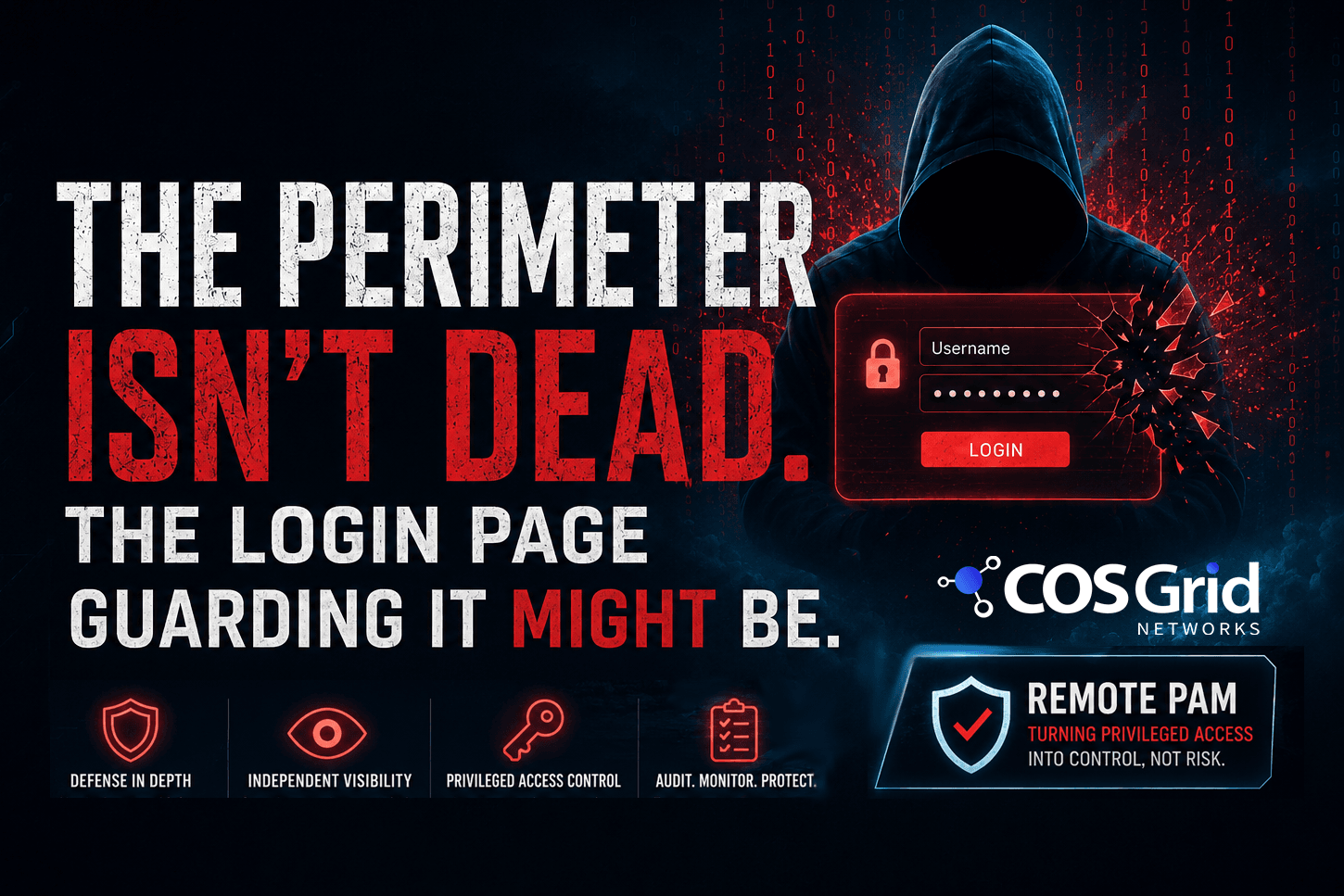
The Perimeter Isn’t Dead. The Login Page Guarding It Might Be.
Why FortiBleed-Style Breaches Demand Defense in Depth — and Remote PAM — for Critical Infrastructure
|
EXECUTIVE SUMMARY FortiBleed-style incidents do not prove that perimeter security has failed — they prove that perimeter-only security has failed. Firewalls, VPN gateways, and security appliances remain essential, but patching and account hygiene alone cannot fully offset zero-day risk and configuration drift on the devices that control access to everything else. This article examines why edge devices are a distinct risk category, why defense in depth and independent monitoring are now non-negotiable, and how Remote Privileged Access Management (Remote PAM) closes the gap between a stolen credential and a full breach. |
1. The Perimeter Myth, Restated by FortiBleed
“The perimeter is dead.” It is one of the most repeated lines in cybersecurity — and it is also incomplete.
Incidents like FortiBleed did not kill the perimeter. They killed the idea that the perimeter can defend itself alone. The more accurate statement is this: the perimeter-only approach is dead. The firewalls, VPN concentrators, and security gateways sitting at the edge of the network are still essential. What is gone is the assumption that hardening them is enough.
That distinction matters, because it changes what organizations should do next — and it is the gap that Remote Privileged Access Management (Remote PAM) is built to close.
2. Why Firewalls and Gateways Are a Different Risk Category
Any internet-facing service carries some level of risk. But firewalls, VPN gateways, and other security appliances belong to a different risk category entirely, for one simple reason: they control access to everything else.
A compromised marketing website is a containment problem. A compromised firewall or VPN gateway is an access problem — it can hand an attacker a direct path into the network it was supposed to protect. That is exactly the pattern behind FortiBleed-style vulnerabilities: a flaw or misconfiguration in the management plane of a security appliance becomes a skeleton key to the enterprise.
3. Where Hygiene Ends and Exposure Begins
The standard advice for securing firewalls and gateways is well known, and none of it is wrong:
• Patch quickly
• Remove default and unused accounts
• Enforce MFA on administrative logins
• Restrict and segment management access
• Regularly review administrator privileges
These practices reduce risk. They do not eliminate it. Zero-day vulnerabilities, configuration drift, and temporary exposure during upgrades or migrations are not hygiene failures — they are operational realities. Even disciplined teams running fully patched environments have been caught out by flaws that simply had not been disclosed yet.
The real lesson from FortiBleed-class incidents: you cannot patch your way out of an unknown vulnerability. You can only limit what that vulnerability is allowed to do once it is exploited.
4. The Fix: Defense in Depth and Independent Visibility
The answer is not to tear down perimeter security — it is to stop treating it as the only layer. Two additions matter most:
• Defense in depth. No single control, including the firewall’s own login page, should be the last line of defense for administrative access to that firewall.
• Independent visibility, monitoring, and response. Detection and oversight that do not live inside the device being protected, so a compromised appliance cannot also blind the team monitoring it.
For sensitive administration of firewalls, VPN gateways, servers, and OT systems, relying solely on the device’s native login page means a single stolen credential is one step away from privileged access. That single point of failure is exactly where Remote PAM fits in.
5. What Is Remote PAM?
Traditional Privileged Access Management (PAM) platforms exist for this reason — but full enterprise PAM suites are often overbuilt for a narrower, very common need: securing remote administrative access to firewalls, servers, gateways, and OT systems, without a months-long deployment project.
Remote PAM applies Zero Trust principles specifically to privileged remote access, typically combining:
• Enterprise identity and MFA for every administrative session, not just the device’s local login
• Device trust checks before a session is even allowed to start
• Just-in-time (JIT) approval workflows, so standing privileged access does not exist by default
• Hidden or injected credentials, so the administrator never sees, copies, or stores the actual device password
• Full session monitoring and recording, for audit, forensics, and real-time anomaly detection
• No direct administrator access to the underlying device — every session is brokered
The practical effect: a stolen firewall password stops being a free pass to privileged access. It becomes a flagged, recorded, contextual event that someone has to actively approve — an alert your team sees, not a breach you discover later.
6. Remote PAM vs. Traditional Enterprise PAM
Traditional PAM platforms remain the right choice for large, complex IAM environments managing thousands of human and machine identities across diverse applications. But for organizations whose immediate priority is protecting remote administration of network and security infrastructure, a full PAM suite can mean unnecessary complexity, cost, and implementation time.
|
Capability |
Traditional Enterprise PAM |
Remote PAM |
|
Primary scope |
All human & machine identities, all apps |
Remote admin access to firewalls, gateways, servers, OT |
|
Deployment time |
Weeks to quarters |
Days |
|
Complexity |
High — vaults, policy engines, agents |
Low — broker + identity + approval |
|
Credential handling |
Vaulted, rotated |
Hidden / injected, never exposed to admin |
|
Best fit |
Large, complex IAM environments |
Mid-size orgs & critical infra protecting edge devices |
Remote PAM is purpose-built for that narrower, high-risk use case: brokered, monitored, just-in-time access to the devices that control network access itself — deployable in days rather than quarters.
7. Deployment Models
Remote PAM is typically delivered in one of two ways, depending on network architecture:
• Cloud gateway with fixed egress IPs — useful where firewall rules can be tightened to a known, static set of source addresses for administrative access.
• Lightweight private connector — deployed inside the network for environments where administrative traffic needs to stay off the public internet entirely, including most OT and air-gapped-adjacent setups.
Either way, the administrator never connects to the device directly. They authenticate to the broker; the broker connects to the device.